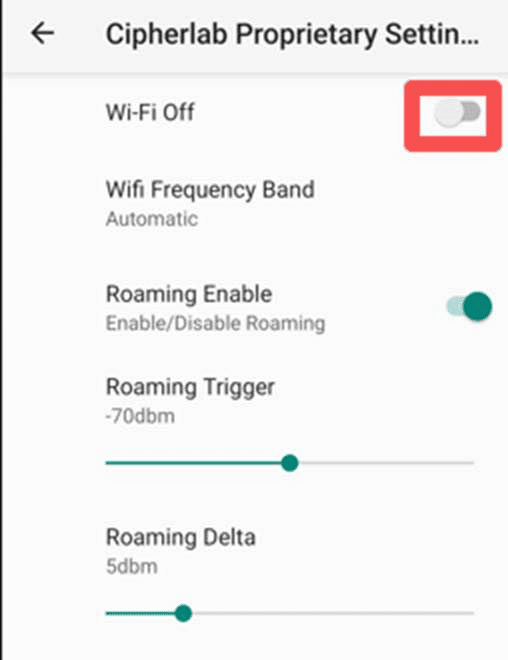
Regarding the issue where devices can’t connect to the “Public” SSID due to the EULA page (similar to hotel or airport Wi-Fi), the SafeGuard Device needs to have “Captive Portal Detection” enabled to trigger that login page.
Please follow these steps to check the settings:
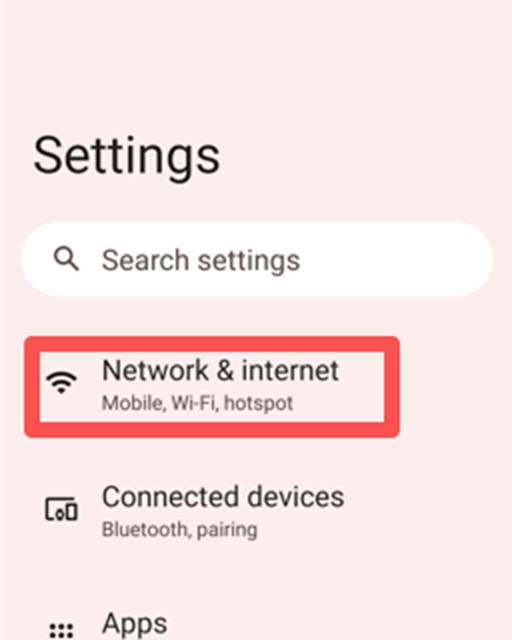
Step 1: Go to “Settings” on the device and select “Network & Internet”
Step 2: Select “Internet” and scroll down to “Network preferences.”
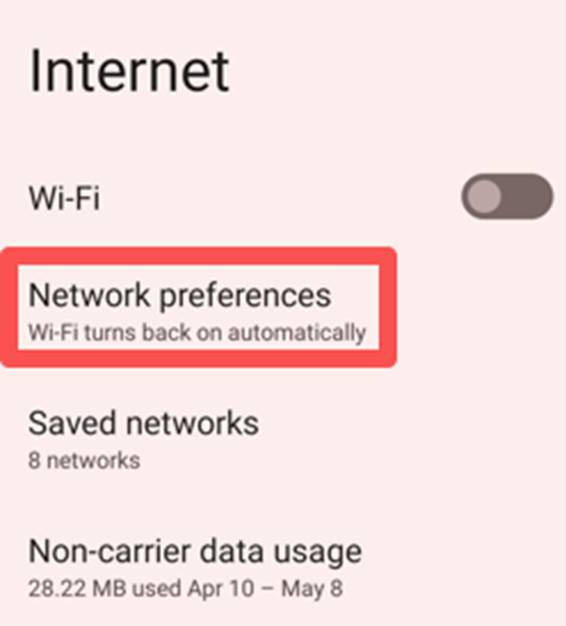
Step 3: Choose “Cipherlab Proprietary Settings.”
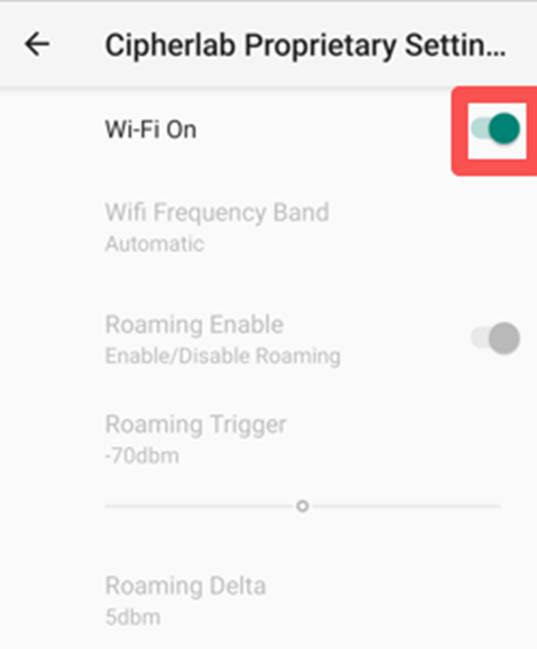
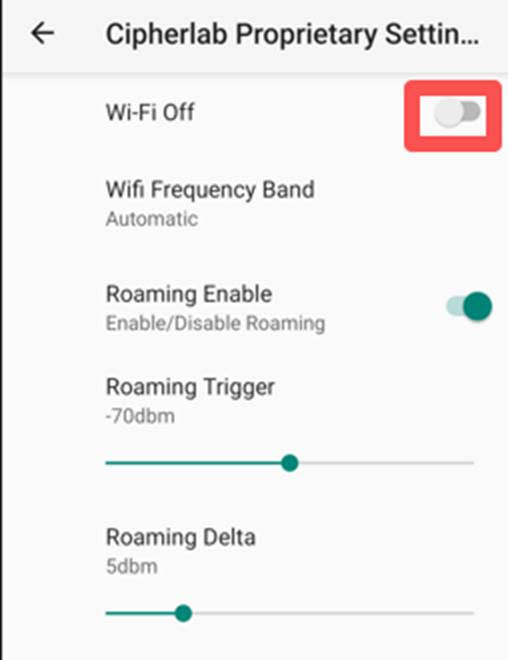
Step 4: Under the Proprietary settings, disable the Wi-fi.
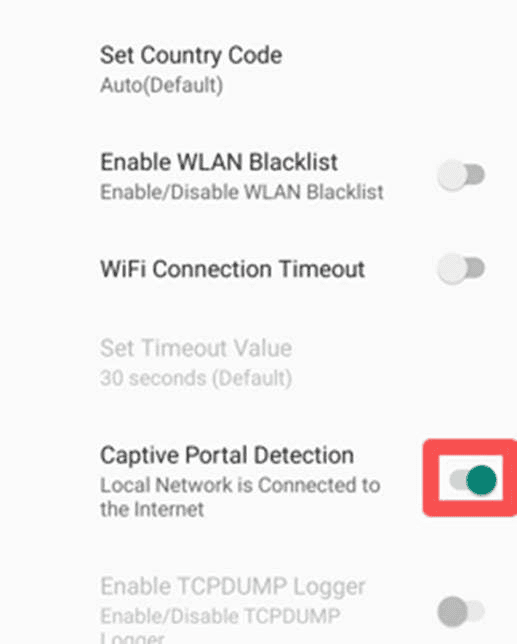
Step 5: Under the same settings, scroll down to enable “Captive Portal Detection.”
Step 6: Re-enable Wi-fi.