
Within YouthCenter, there are a multitude of ways to connect with your team and access information seamlessly.
- Commenting
- Flags
- Sharing with Specific Users or Groups
- Announcements
Commenting #
Throughout YouthCenter, users can add comments directly to specific actions — such as a new court case or drug test — enabling team members to receive notifications and engage in collaborative discussions to determine appropriate next steps.
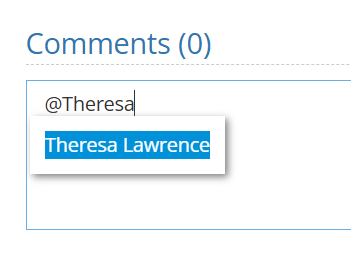
To utilize this, look for a comment box and start the comment with the “@” symbol followed by the team member’s name. If the team member is the system, you will be able to select their name and write your message.
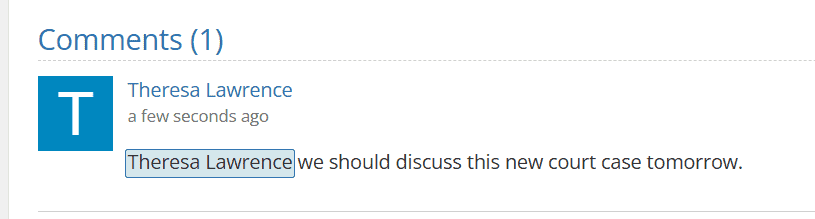
Upon completion of the comment, the system will record this message with a time stamp.
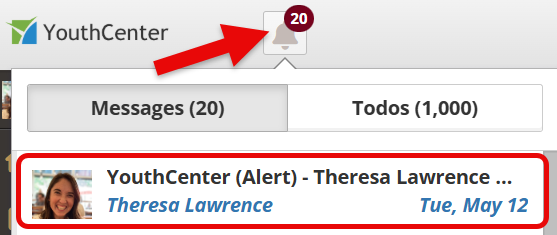
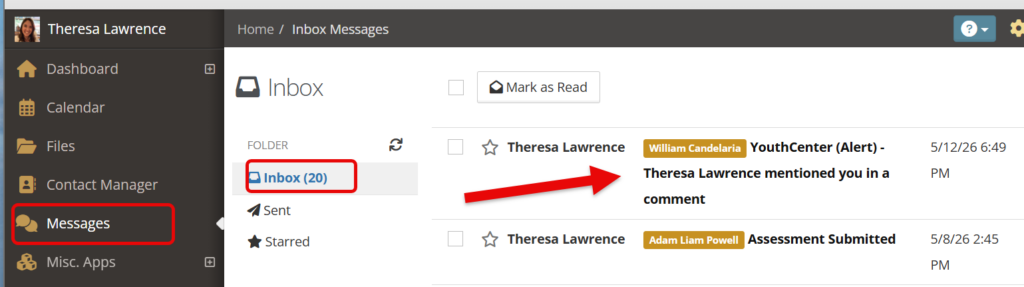
Your team member will be notified by their alert bell and in their messages section.
For more information on messages, see the document here.
Flags #
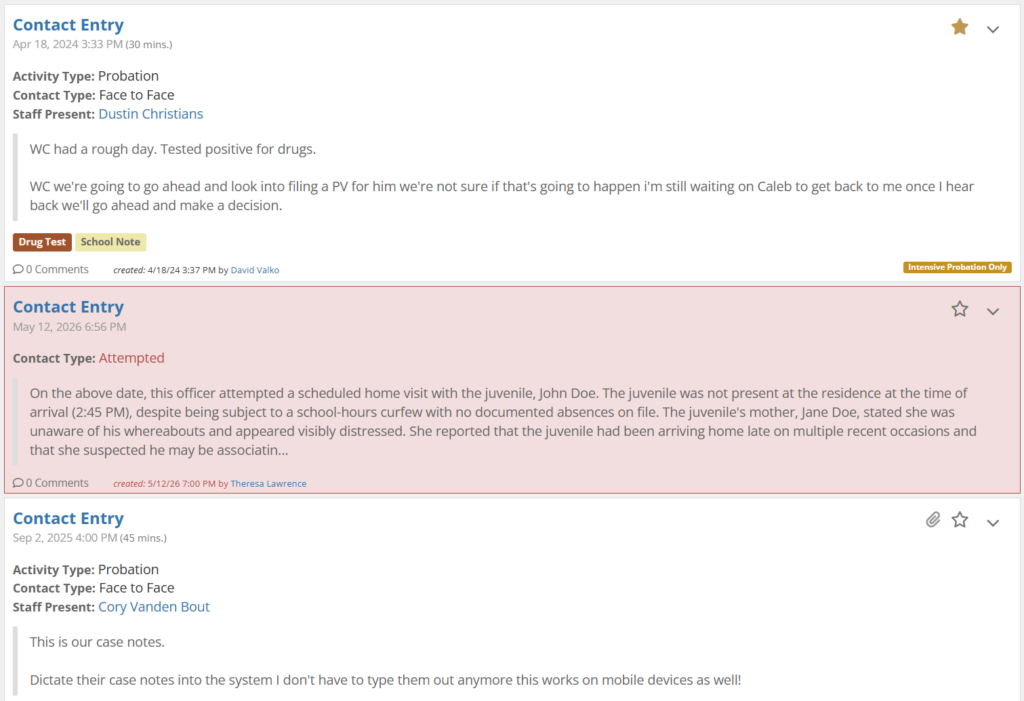
Flags are utilized throughout YouthCenter as a way to change the background of an item that may need to be highlighted.
For example, a client note is flagged below to showcase an important event.
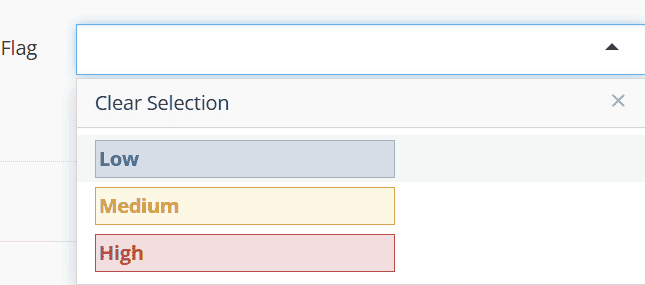
To utilize the flag feature, look for the flag drop down and select the color that best suits your needs.
For additional support with flags, see the documentation shared here.
Sharing with Specific Users or Groups #
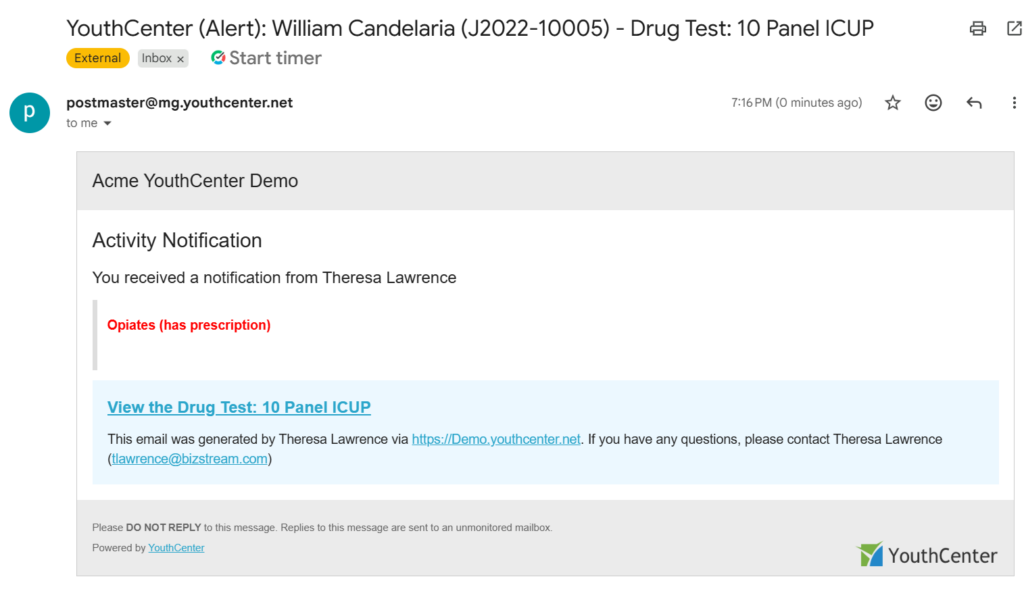
Sharing different items throughout YouthCenter, allows team members to quickly send an email and system notification to a user, group, or personalized list of users.
Below is an example of a shared drug test.
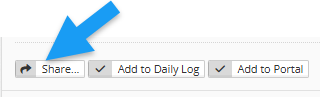
If a feature, such as a note (for example), can be shared with other users or groups, you will see the “share” button as shown below.
For more information on using sharing, see the documentation linked here.
For information on adding information to the daily log (for detention) see the documentation linked here.
Announcements #
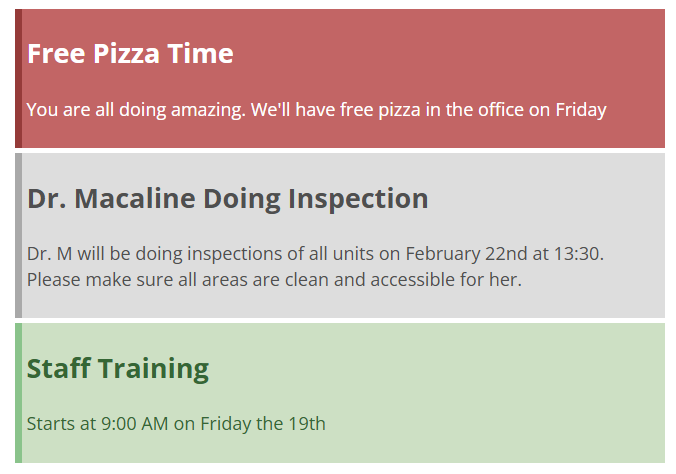
Announcements provide a streamlined way to notify specific groups or all users of important updates, helpful tips, or key information.
For more information on using announcements, see the documentation linked here.